
DSE Assessment Template (Display Screen Equipment)
DSE Assessment Template (Display Screen Equipment)
DOWNLOAD
Couldn't load pickup availability
Safeguard Employee Health with our Comprehensive DSE Assessment Template

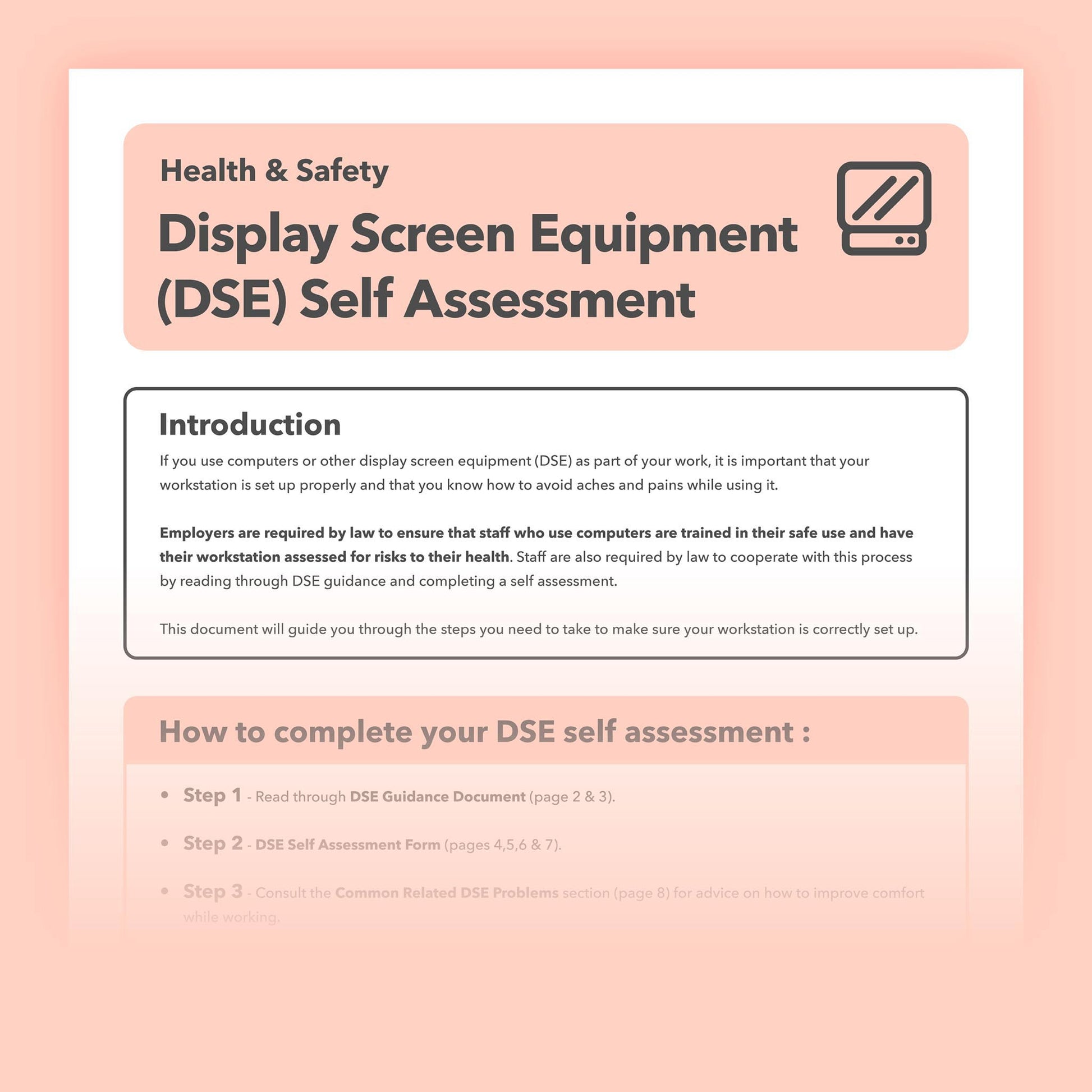
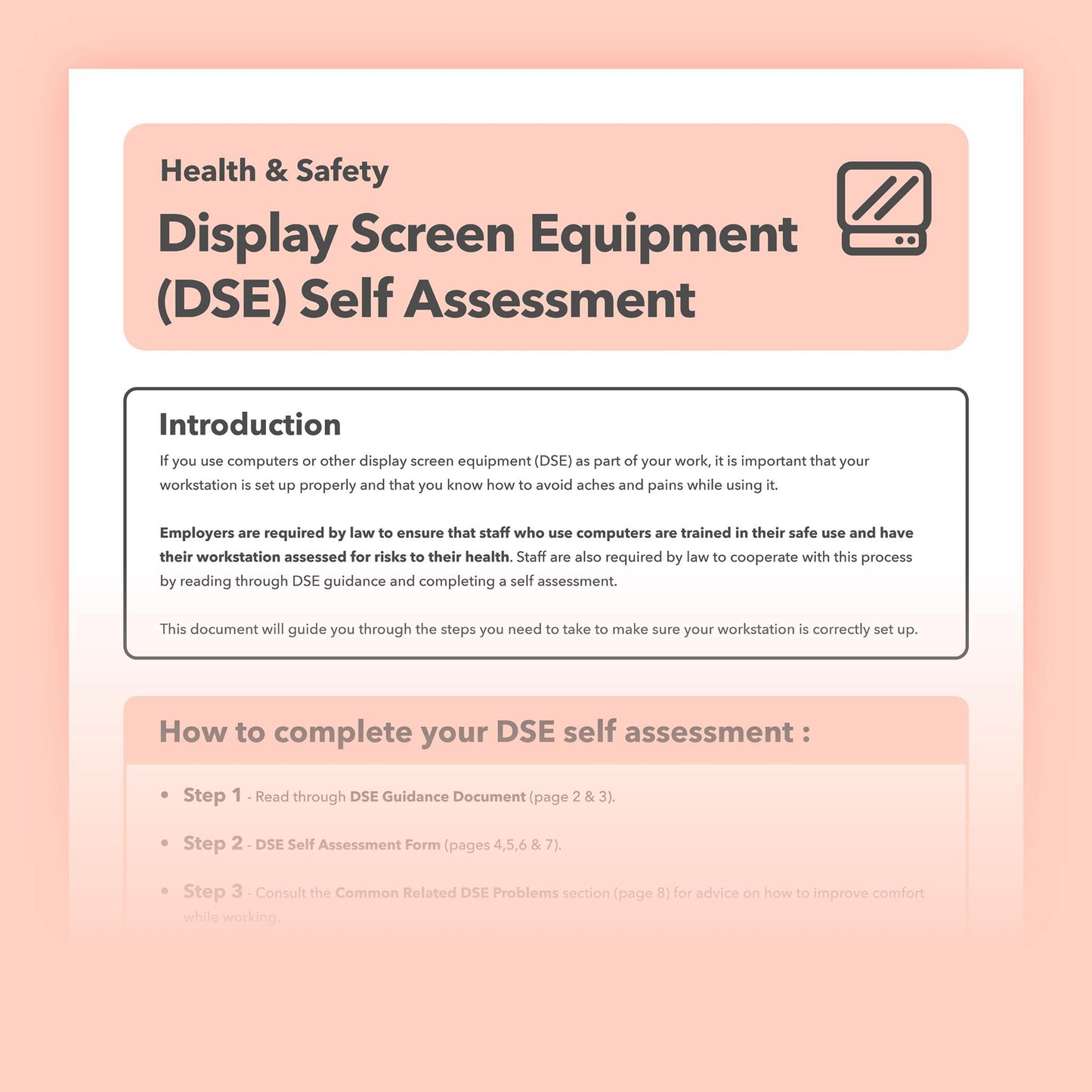
With employees increasingly working across offices, homes and hybrid environments, it is important for employers to make sure workstations are set up safely and comfortably. Our downloadable DSE Self-Assessment Form gives employers, employees and remote workers a clear, practical way to review workstation setups and identify any issues that may need attention.
Designed for use in a wide range of working environments, the template helps assess factors such as seating, screen position, keyboards, mice, lighting and working posture. It can help employers manage their DSE arrangements, identify potential problems early and maintain a useful record of assessments and any actions required.
The Importance of Correct Workstation Setup
A well-set-up workstation can help reduce discomfort and strain associated with prolonged DSE use while supporting comfortable and productive working. Factors such as chair adjustment, screen position, keyboard and mouse placement, lighting and working posture all play an important part in creating a suitable workstation. Taking the time to assess and adjust these areas can help employees work more comfortably and reduce the risk of problems developing over time.
DSE Health and Safety Law
Employers have legal duties to assess DSE workstations for workers covered by the regulations, reduce any risks identified and provide appropriate health and safety training and information. Employees also have an important role in taking part in assessments, following the guidance provided and reporting any problems or discomfort so that appropriate action can be taken.
Key Features of this DSE Assessment Template

User-Friendly Design
This document has been carefully crafted to be accessible and straightforward, removing the need for specialised ergonomics knowledge or external consultants. It's tailored to help businesses effortlessly conduct their own DSE assessments with confidence.
Detailed Three-Section Layout
-
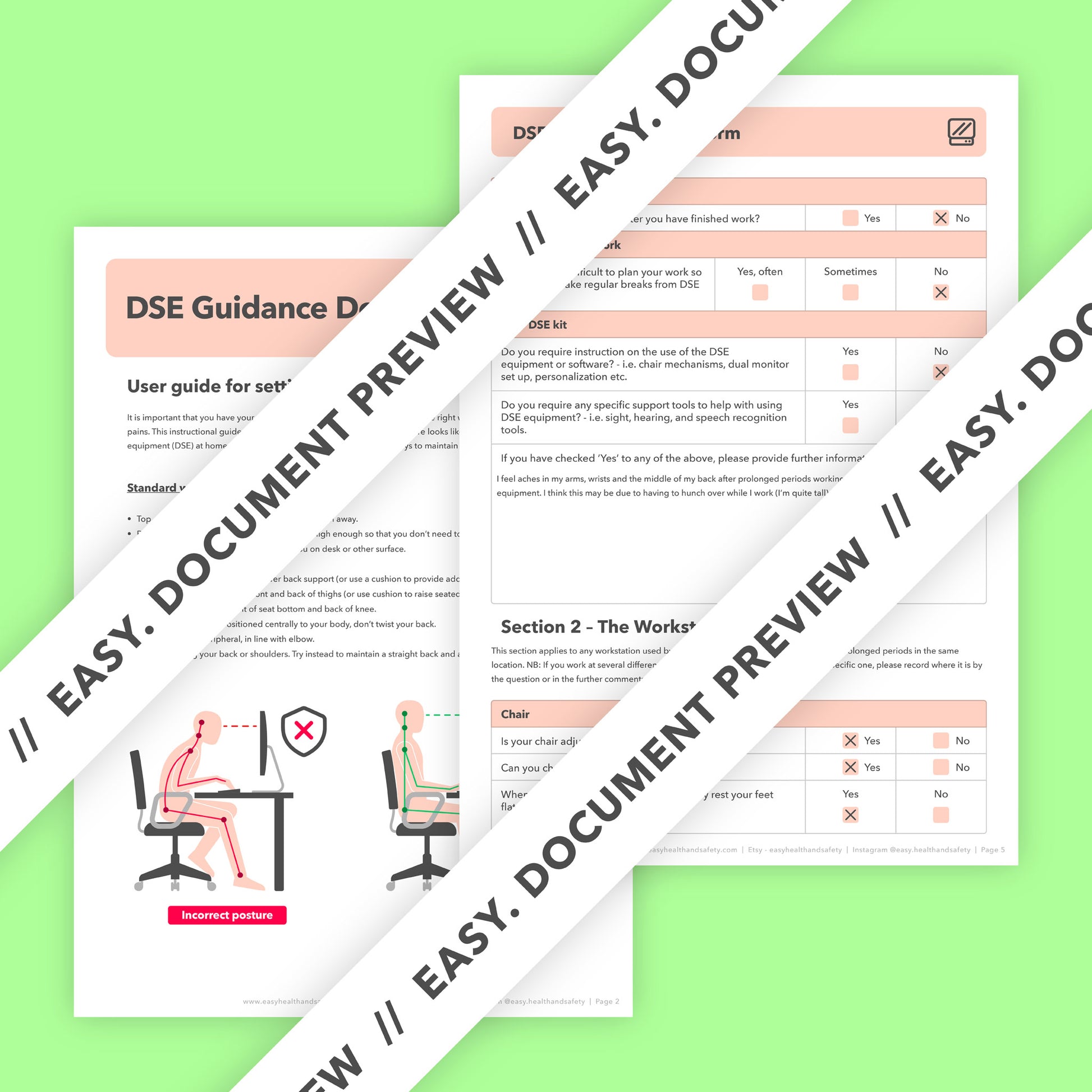
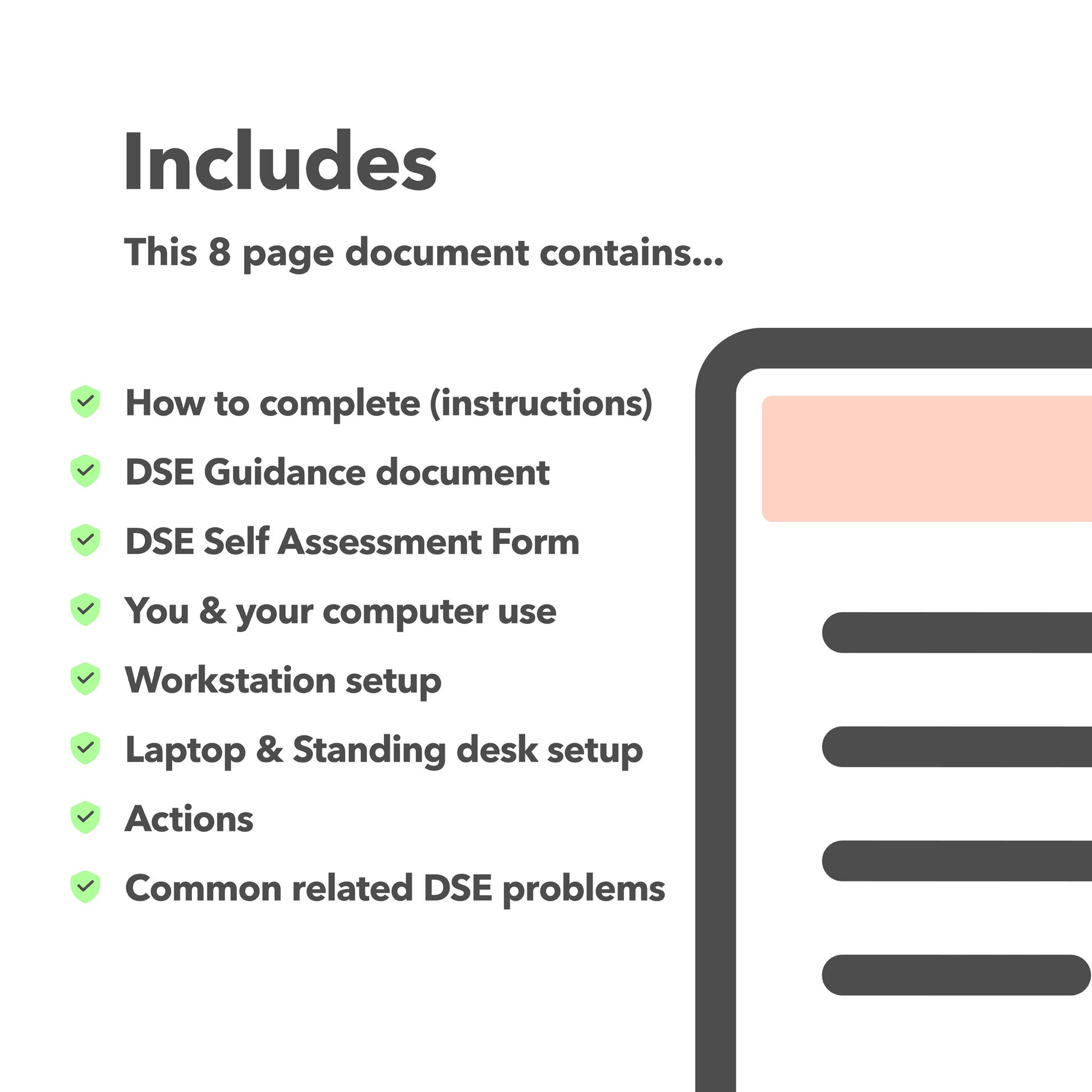
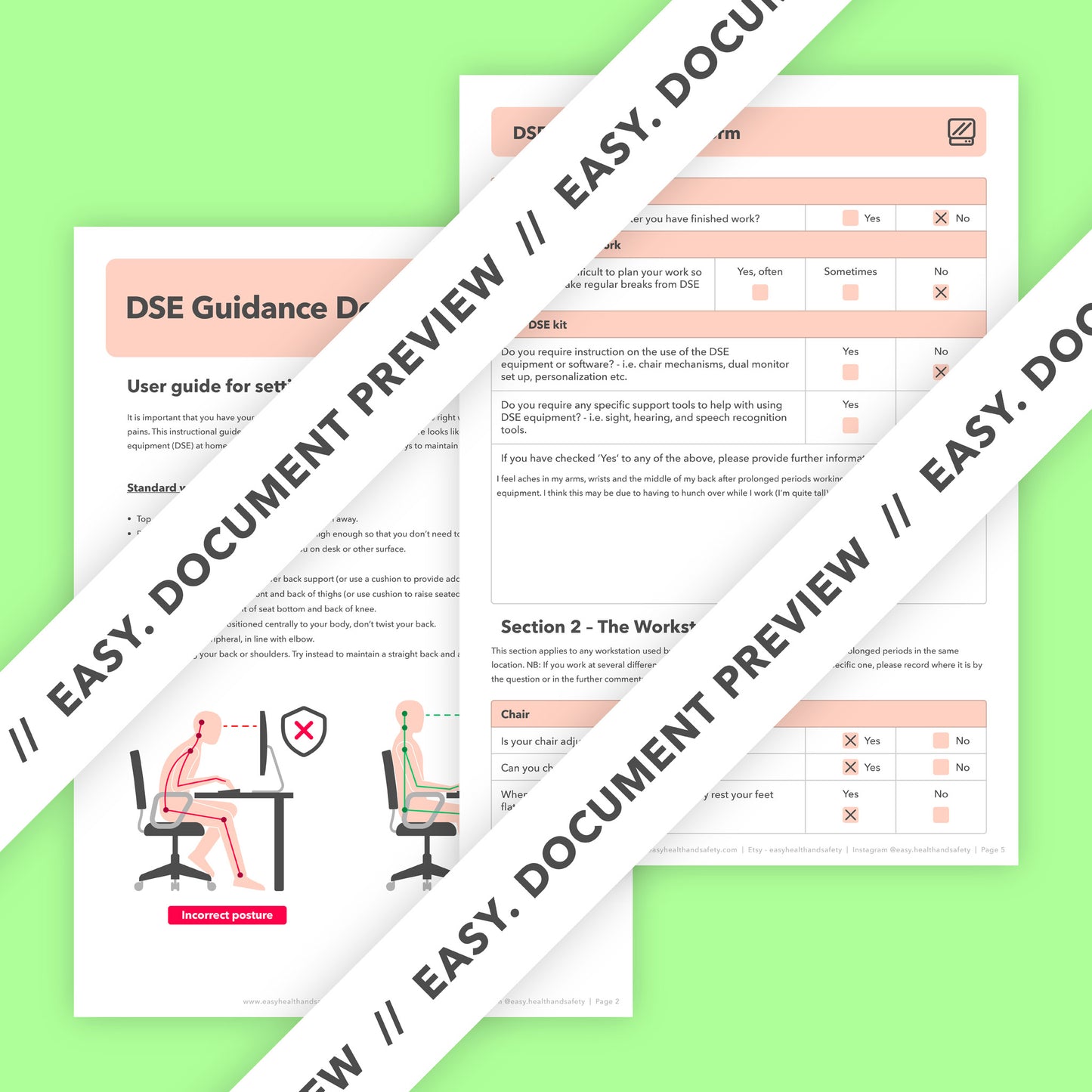
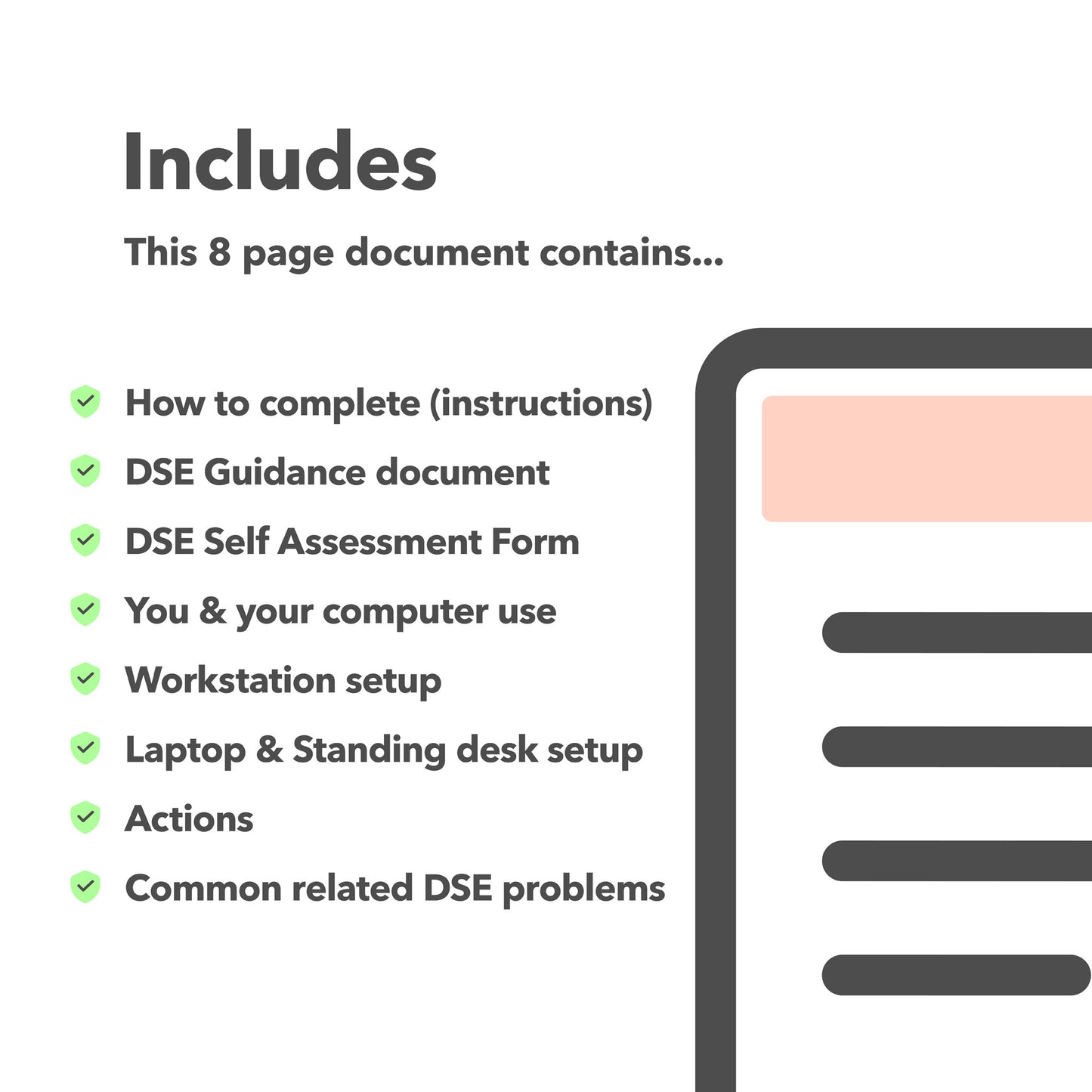
DSE Guidance Document: Offers an in-depth walkthrough for adjusting workstations according to ergonomic principles, ensuring that every aspect of the setup contributes to a healthy working environment.
-
DSE Self-Assessment Form: Provides a detailed framework for businesses to review and assess their workstations both during and after the initial setup, ensuring that all ergonomic adjustments have been correctly implemented.
-
Common Related DSE Problems: This section serves as an invaluable resource for addressing frequent ergonomic challenges, providing practical solutions to help mitigate common discomforts associated with DSE use.
Benefits of Utilising this DSE Self-Assessment Form

-
Enhances Employee Health and Well-being: By facilitating the correct setup of workstations, the form plays a crucial role in preventing common work-related musculoskeletal disorders, reducing the risk of long-term health issues among employees.
-
Improves Productivity and Employee Satisfaction: Ergonomically sound workspaces are proven to increase productivity levels and enhance overall job satisfaction, leading to a more motivated and efficient workforce.
-
Ensures Legal and Regulatory Compliance: Helps businesses meet their legal obligations under health and safety legislation, regarding the provision of safe working conditions for DSE users, thus avoiding potential legal issues.
-
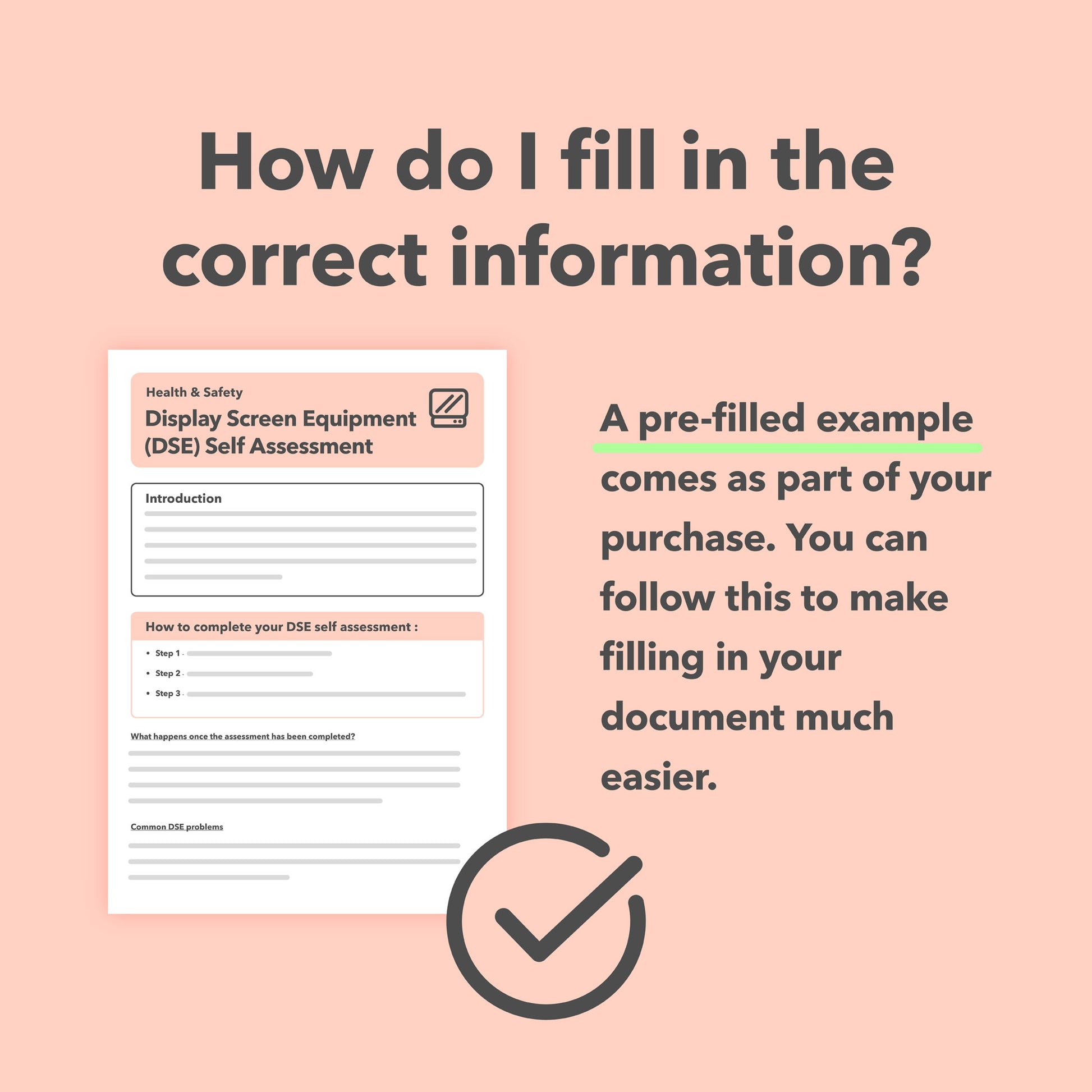
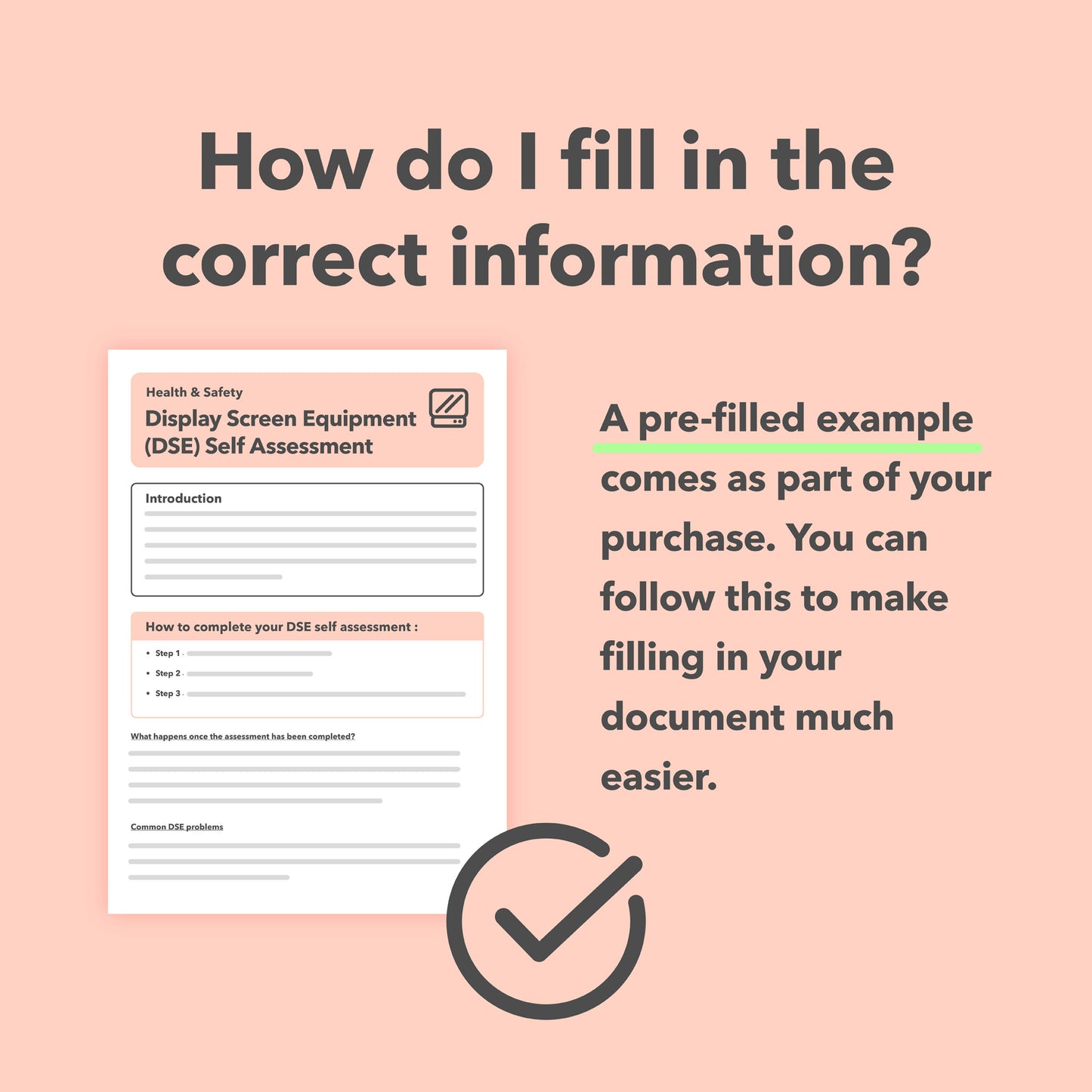
Flexible Usage Options: With the capability to be completed digitally or printed for manual completion, the form is adaptable to personal preferences. It comes with comprehensive instructions, plus a pre-filled example, making it easy for anyone in your organisation to use effectively.
When to Conduct a DSE Assessment:

-
Initial Setup of Workstations: Before employees begin using a new or reconfigured workspace, conducting a DSE assessment ensures that ergonomic risks are identified and mitigated from the start.
-
Reporting of DSE-Related Discomfort: If employees experience discomfort or health issues believed to be related to their workstation setup, a reassessment can identify and rectify the underlying ergonomic concerns.
-
Introduction of New Equipment or Furniture: Any time new display screen equipment or office furniture is introduced, it's prudent to conduct a DSE assessment to ensure that these additions do not compromise the ergonomic integrity of the workspace.
-
Regular Health and Safety Audits: Conducting periodic DSE assessments as part of your business's regular health and safety review process helps maintain ongoing compliance and addresses any emerging ergonomic issues before they become problematic.
By empowering businesses with the tools to conduct detailed and effective workstation assessments, our DSE Assessment Form not only ensures compliance with health and safety regulations but also contributes to creating a healthier, more productive work environment for all employees.
Elevating Workplace Health and Productivity with DSE Assessments

Our downloadable DSE Self-Assessment Template is a practical tool for businesses looking to create a safe, comfortable and productive working environment. It can help support compliance with health and safety requirements while also showing a positive approach to employee comfort and well-being.
Properly completed DSE assessments can help improve workstation ergonomics, identify potential issues early and support a more comfortable working environment. Using the template as part of your wider health and safety arrangements provides a simple way to review workstation setups, record any concerns and help employees work more comfortably and safely.
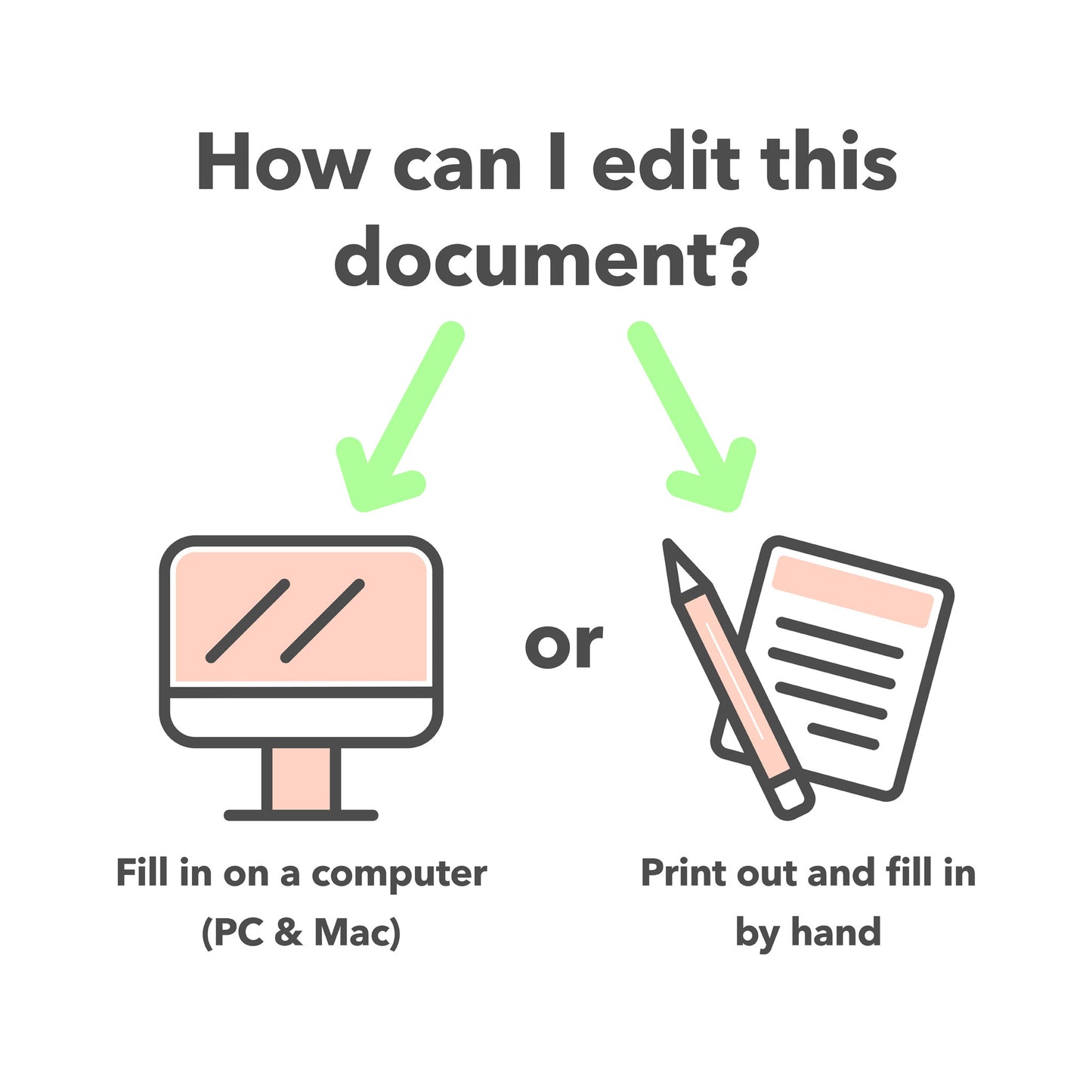
Complete Digitally or by Hand

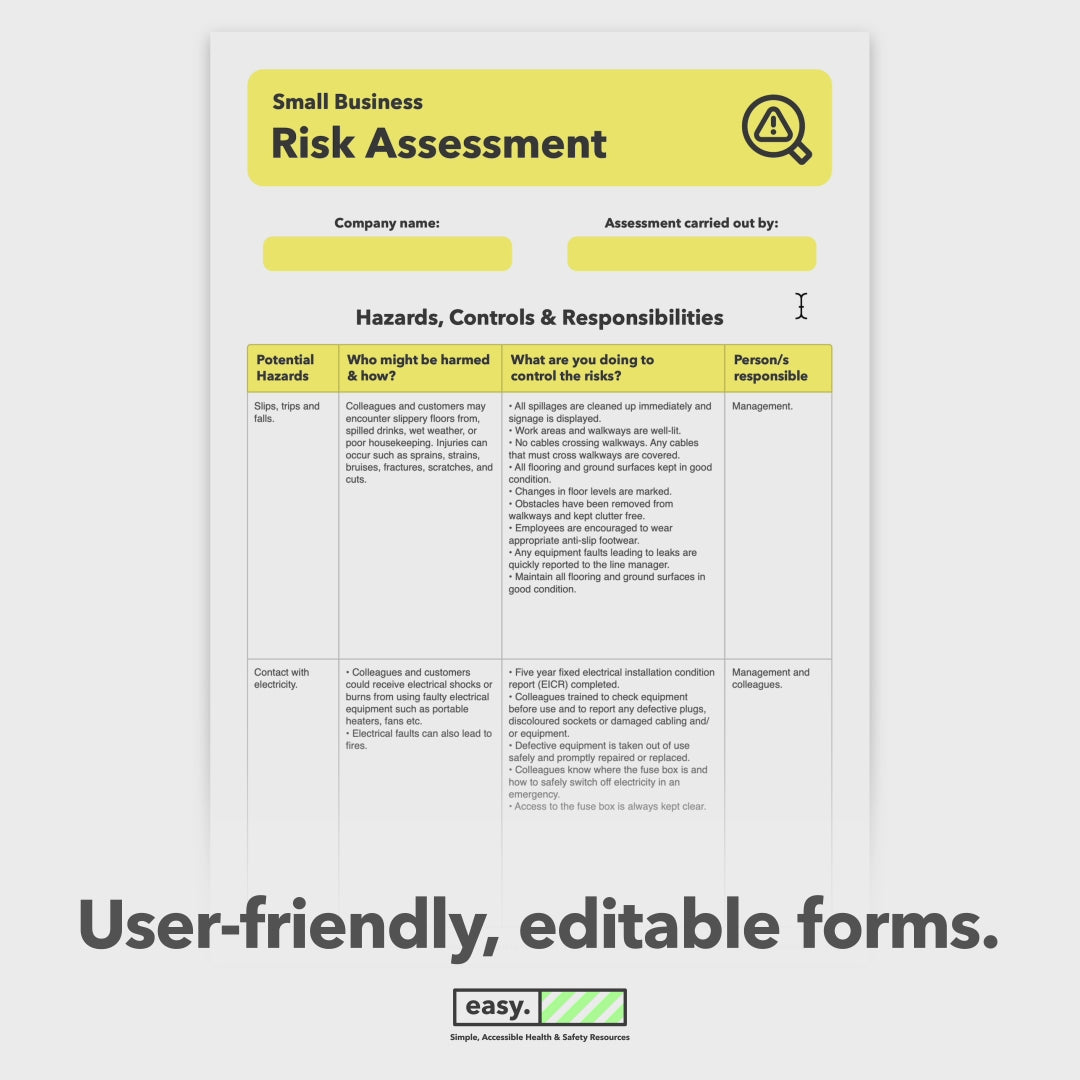
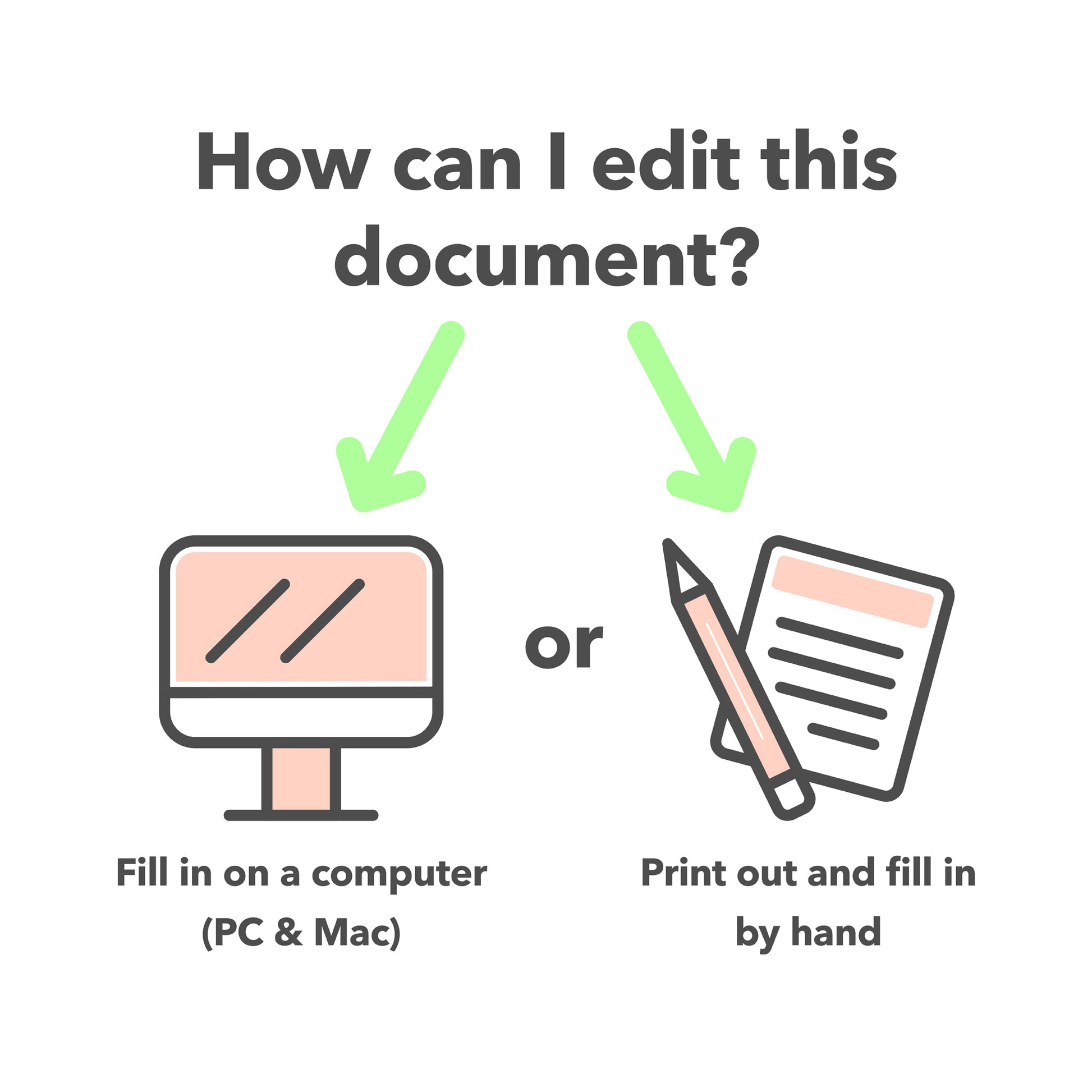
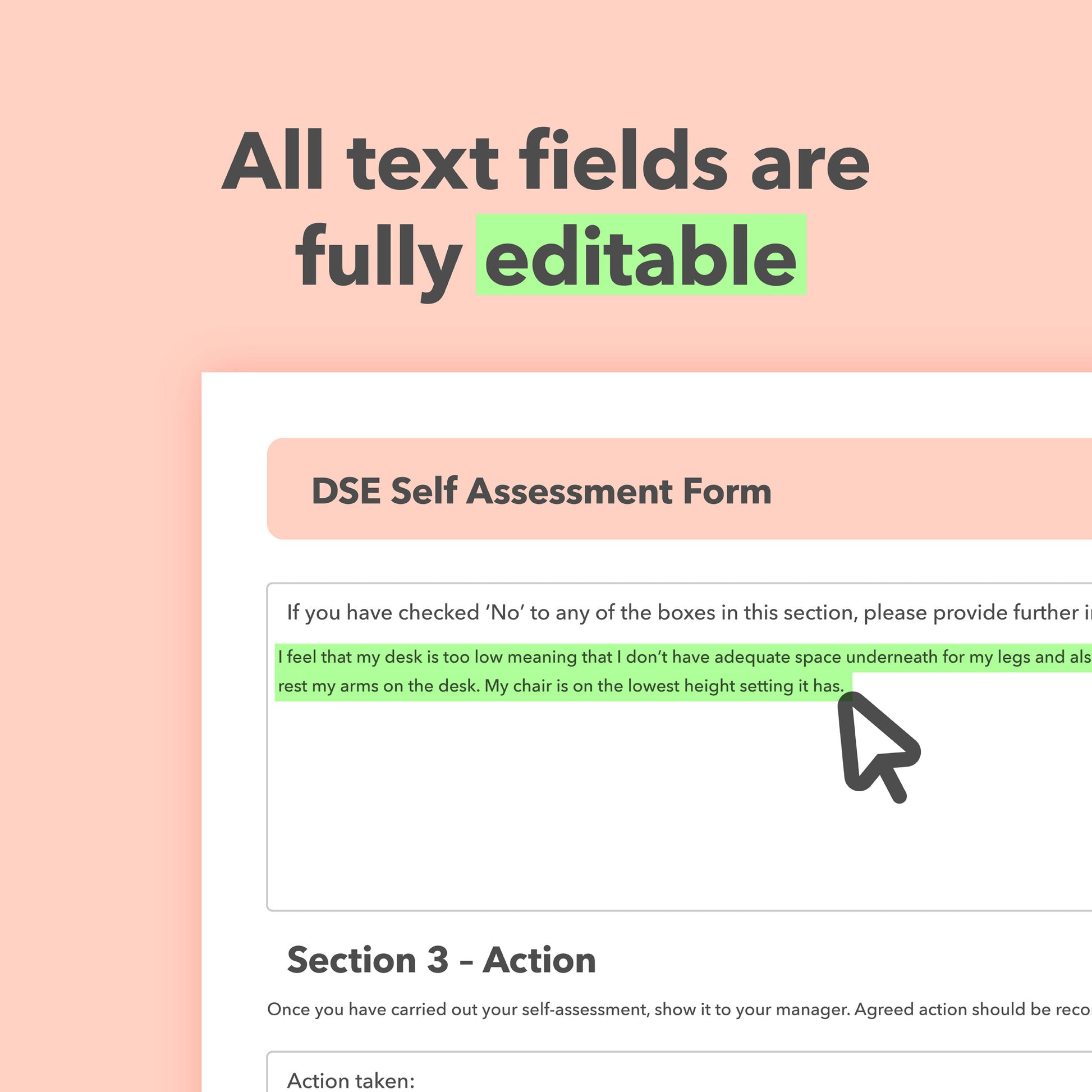
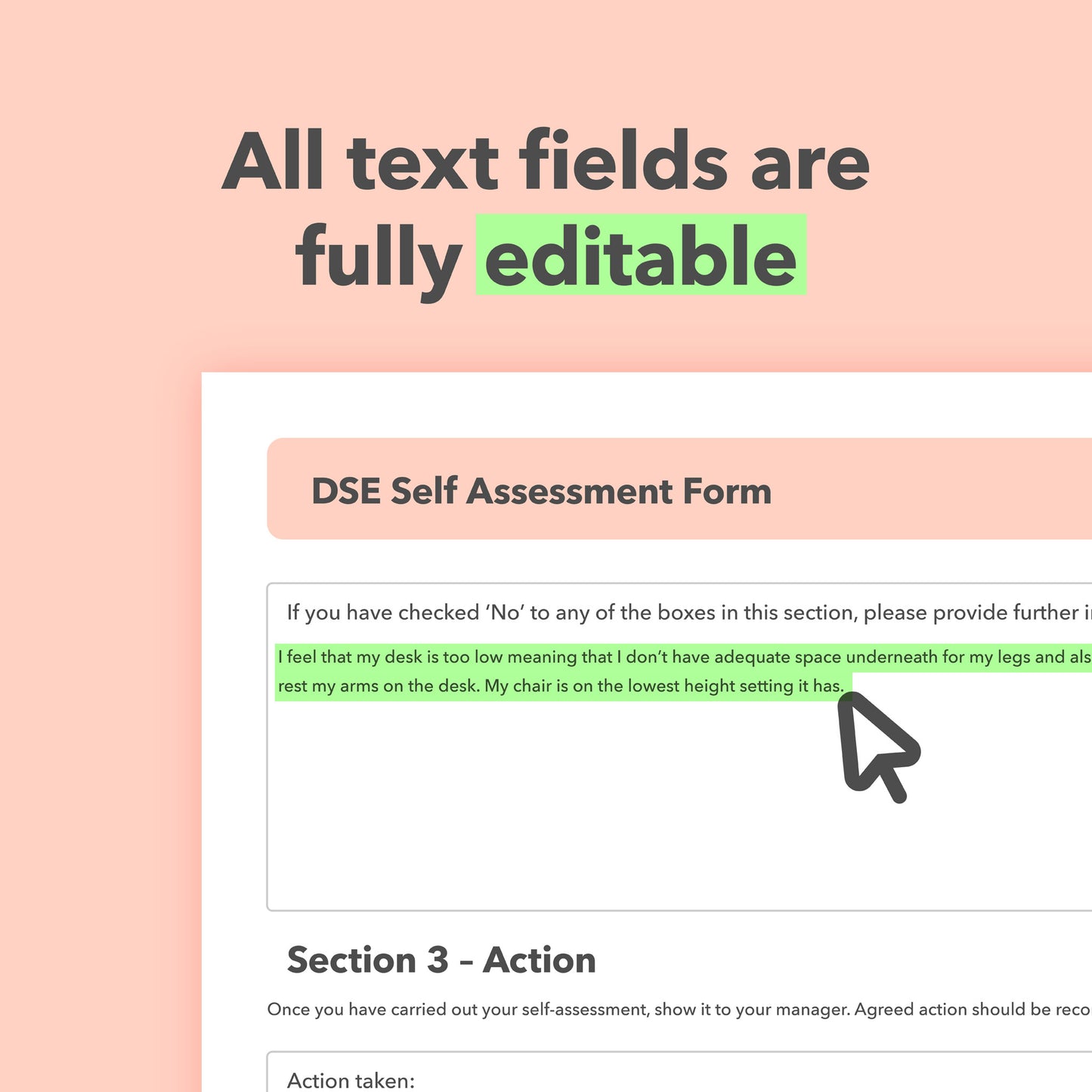
This downloadable DSE Assessment Form is fully editable on a computer or mobile device. You can open it, fill it in, save and you're done. It can also be printed and completed by hand. Clear step-by-step instructions are included, making it easy to complete and use the template.
Health and Safety documents you will receive:
- 1 x 8 Page DSE Self-Assessment Template (A4 size, Editable PDF)
- 1 x Pre-filled Example (A4 size, PDF)
- 1 x User Instructions

Shop All-in-One Health and Safety Bundles – Save Time, Cut Costs, Stay Compliant
Our all-in-one health and safety template bundles include everything you need to manage compliance with ease. Each bundle features essential documents such as a health and safety policy, risk assessments, fire safety documents, guidance, safety posters, and more. You’ll also receive a detailed user guide with step-by-step instructions and a clear introduction to health and safety basics. Ideal for small businesses looking to stay compliant and create a safer workplace.